
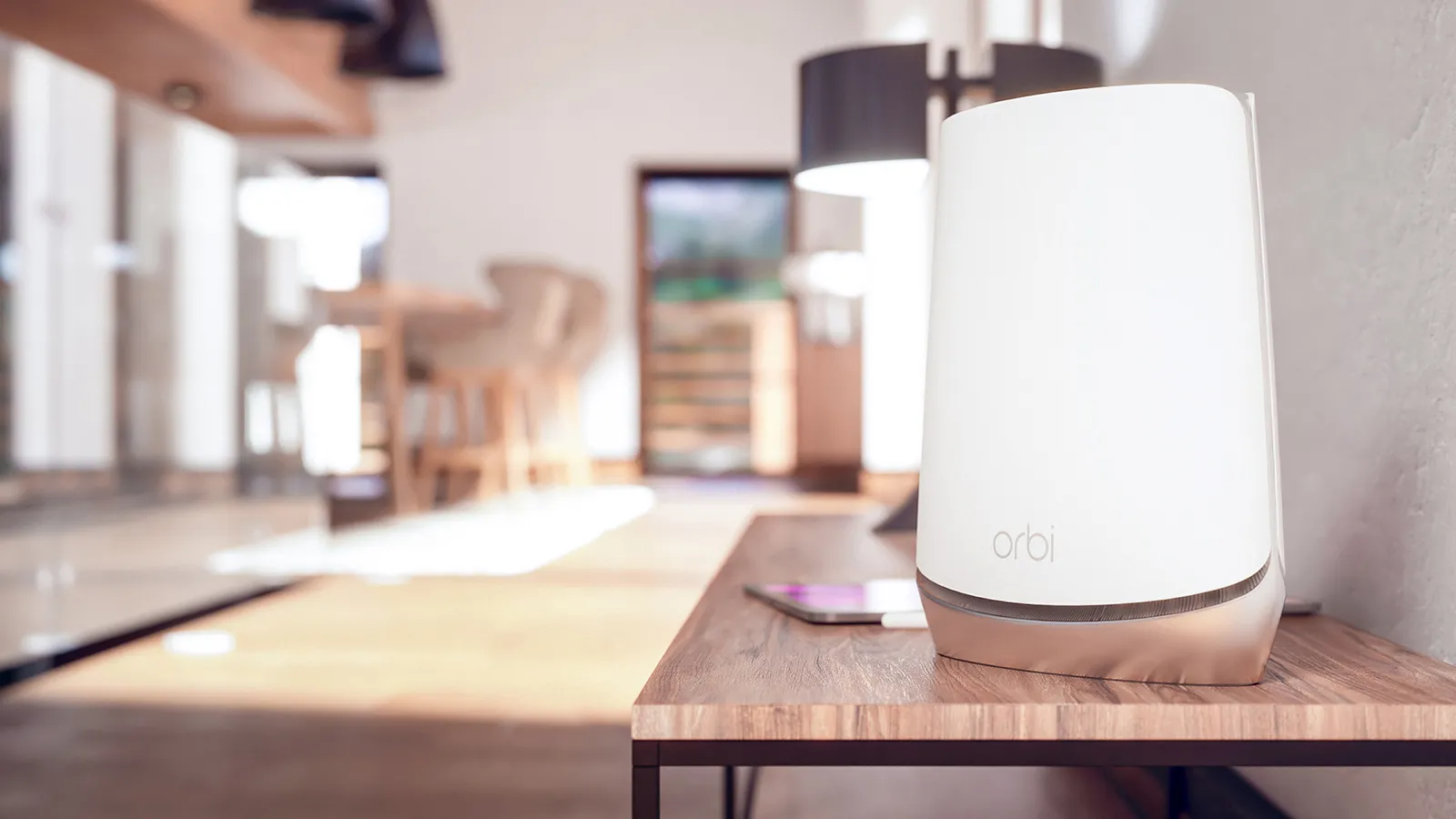
Pick the Right Router Location for Strong Coverage
San Francisco, CA, buildings are full of quirks. Thick plaster walls, strange corners, and stacked units all affect signal strength. The router location is one of the most important decisions you will make.
Aim for a central, open spot where the signal can spread through your home or office. A shelf in the living room or a hallway near the middle of the unit often works well. Avoid hiding the router in a cabinet or behind the TV, since that blocks the signal before it even starts.
To keep your wifi network setup working smoothly, try to avoid placing the router near:
- Large metal objects like fridges or filing cabinets.
- Microwaves or cordless phone bases.
- Windows where the signal leaks outside instead of staying inside.
If you live in a multi-story home in Noe Valley or a compact apartment in the Richmond, placing the router on the floor in a corner makes coverage worse. A little effort here saves a lot of troubleshooting later.
Connect Your Equipment and Configure the Basics
Once the router spot is chosen, you can connect everything and bring the network online. This is where many people wonder how to install wifi, but the actual steps are usually straightforward.
Here is a simple wifi installation guide you can follow:
- Connect the modem to the router using the included Ethernet cable.
- Plug in both devices and wait for the lights to stabilize.
- Use a laptop or desktop to connect to the router, either wired or using the default WiFi name and password on the label.
- Open your browser, then follow the on-screen setup wizard or type the IP address listed on the router label.
During setup, you will create your new network name and password. If you ever asked yourself how to install wifi at home without calling a technician, this basic sequence is usually all you need.
If the internet is not working after setup, check with your provider to confirm service is active in your part of San Francisco, CA, since occasional outages can make the process look broken when the wiring is fine.
Secure Your Network to Protect Your Devices
Once your devices are online, the next step is to lock things down properly. A secure connection protects your information and keeps strangers from slowing your network.
Choose a strong password that includes a mix of numbers and letters, and avoid using your address or simple words. Turn on WPA2 or WPA3 security in the router settings so your wifi installation guide results in a network that is not easy to access from the outside.
If you run a small startup in a shared building, consider these simple security habits:
- Create a guest network for visitors so your main devices stay separate.
- Change your WiFi password from time to time, especially after staff changes.
- Turn off remote management if you do not need it.
These small steps keep your connection steady and help you avoid slowdowns caused by unknown devices.
Troubleshoot Common WiFi Issues Before They Disrupt Your Day
Even with a good setup, you might run into issues like slow speeds or dropped signals. Older San Francisco construction, interference from neighboring units, or simple device glitches can all play a role. When you run into problems, start with a few basic checks.
If your connection is slow or unstable, try this order of operations:
- Restart the modem and router, then wait a full minute before testing again.
- Move closer to the router to see if distance is part of the problem.
- Shift the router slightly higher or more central to reduce obstacles.
- Log in to the router settings and switch to a less crowded WiFi channel.
For larger homes or multi-room offices, a single router may not be enough for solid coverage. If you are planning home wifi installation in a spacious property or a split-level home, adding a mesh system or additional access points can help fill in dead zones, especially in basements or back rooms.
Optimize Performance With Smart Upgrades and Settings
Once your network is stable, you can fine-tune it for smoother performance. This is where simple upgrades and setting changes can make a noticeable difference during busy workdays.
Here are a few ways to keep things running reliably:
- Update the router firmware regularly so you get current security and stability fixes.
- Use dual-band or tri-band routers if you work from home, stream often, or game during off-hours.
- Move older devices that use outdated WiFi standards to a guest network so they do not slow everything down.
For a small startup in SoMa or a home office in Pacific Heights, planning wifi network setup with growth in mind is smart. As you add more laptops, phones, smart TVs, and IoT devices, your network should still feel steady, not overloaded.
If you are unsure which hardware upgrades make sense for your space, a local technician can walk through your layout, your usage, and your goals to design how to install wifi at home or in your small office in a way that keeps things dependable.
Conclusion
Setting up WiFi does not have to be confusing or stressful. With the right router placement, a clear setup process, basic security steps, and a few troubleshooting habits, you can keep your home or small business in San Francisco, CA, online with confidence. Whether you work from a kitchen table, a shared office, or a converted garage studio, the right wifi setup supports your day instead of getting in the way.
If you would like a friendly walkthrough, a network checkup, or help choosing the right equipment, Solution Oriented Services of San Francisco, LLC is here to help in a low-pressure way. Call (415) 650-4767 to schedule a simple consultation and get your WiFi setup working the way it should.